
Features
The tools to manage your website with confidence
Applied CMS focuses on the everyday work of keeping a website accurate, current, and professional.
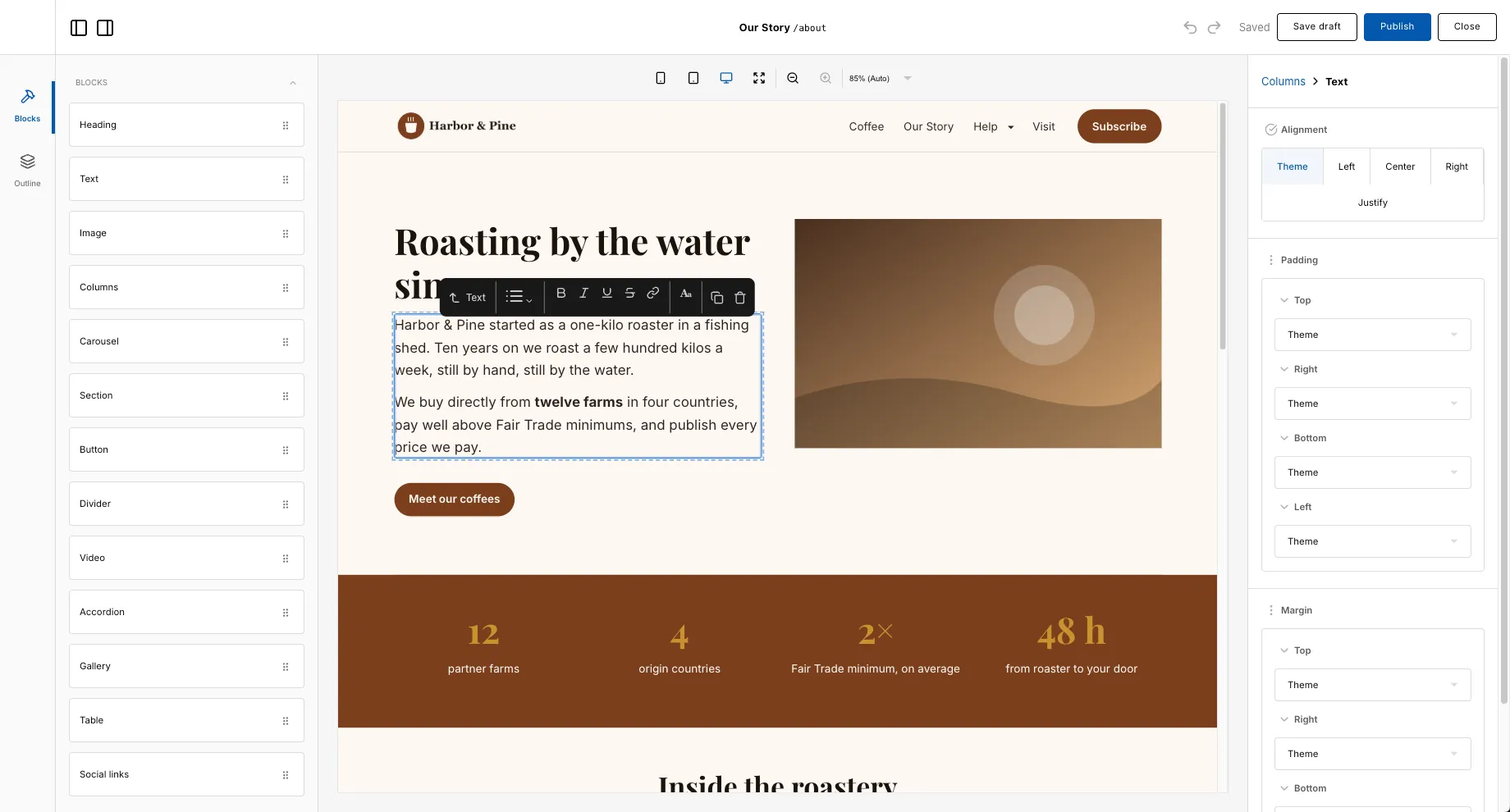
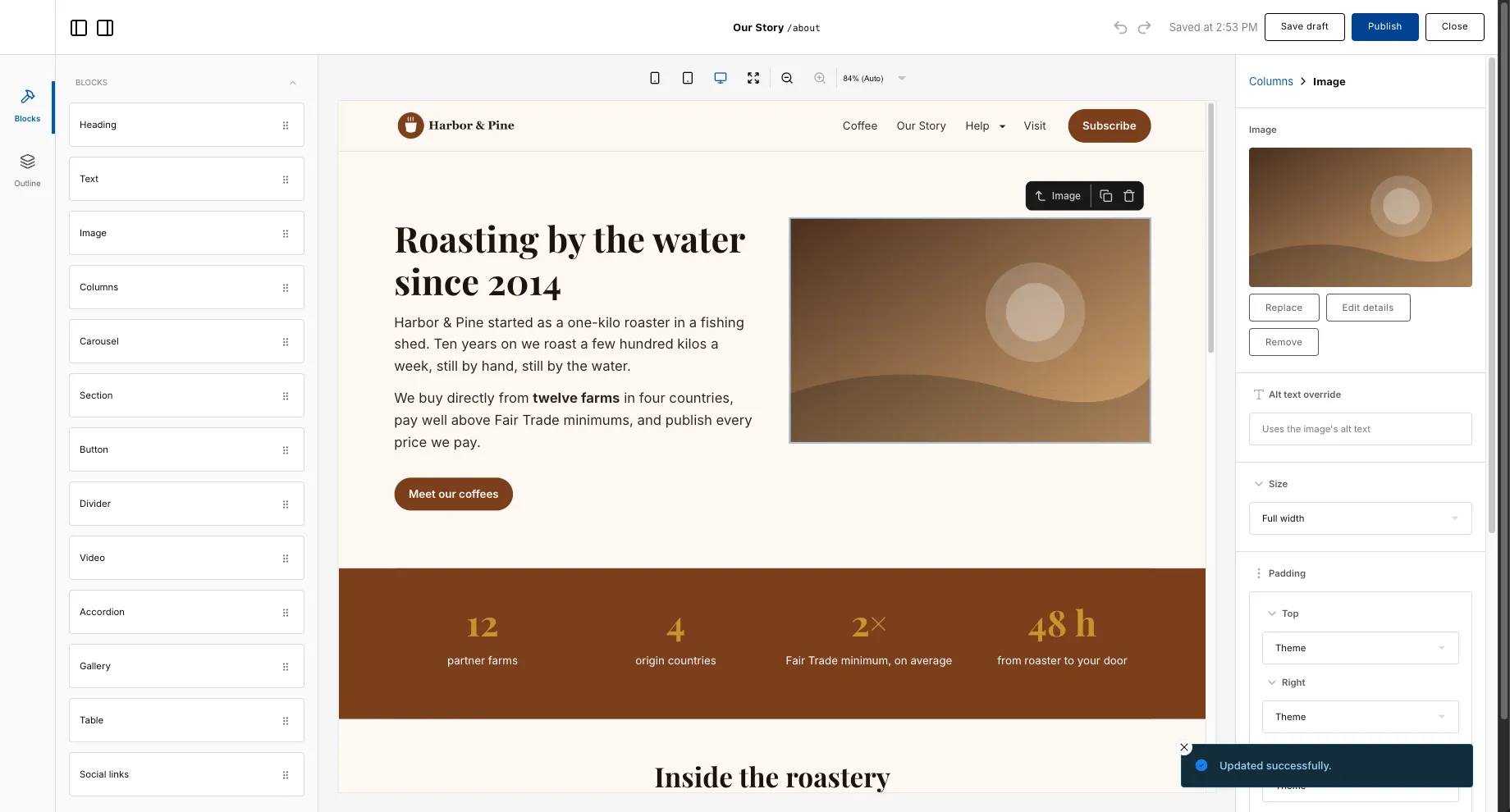
Visual editing
Change the text, layout, and sections of your pages directly in the editor. You focus on what your website says; Applied CMS handles the rest.
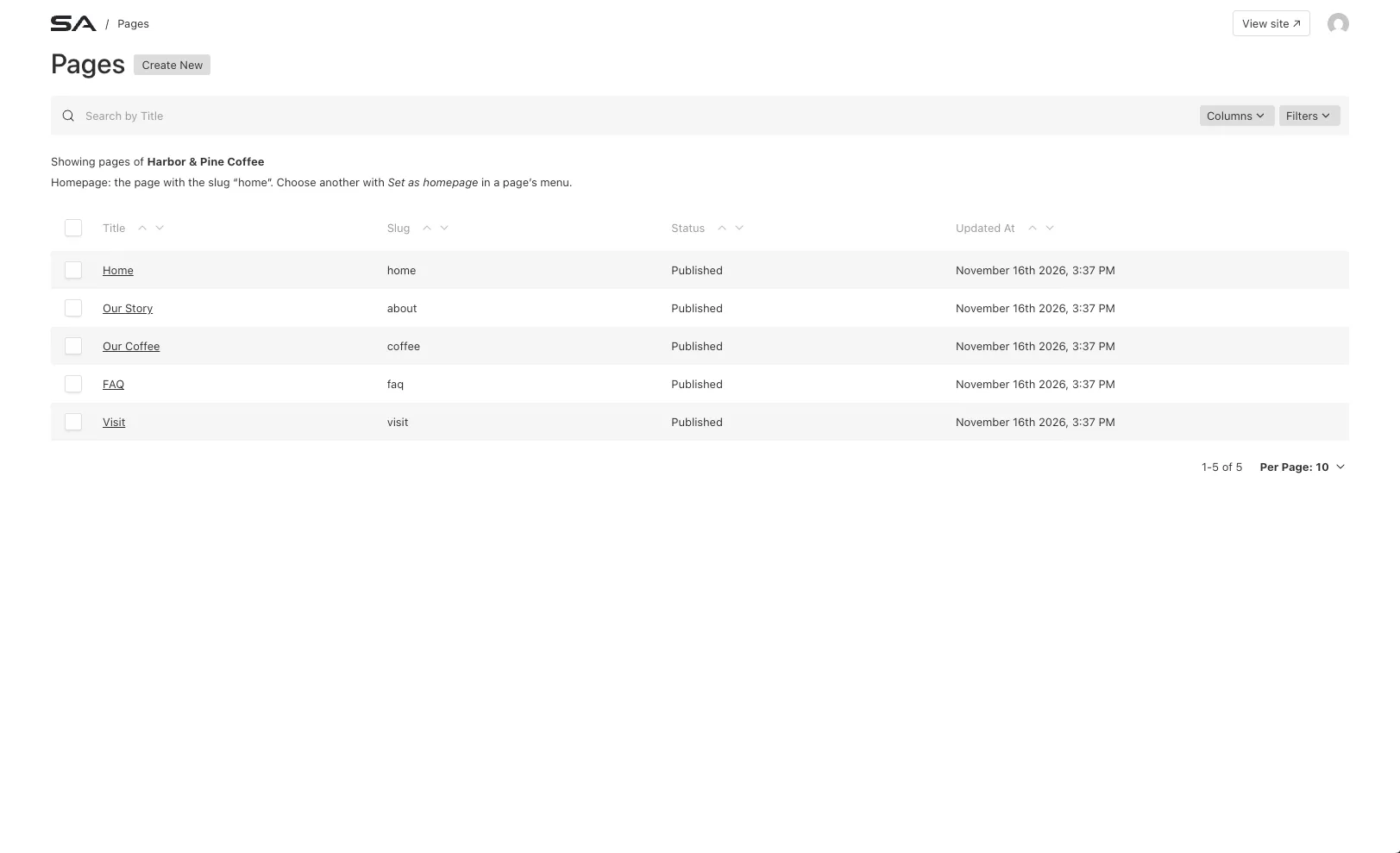
Content management
Find, review, and update the pages and content that make up your website without hunting through files or asking a developer.
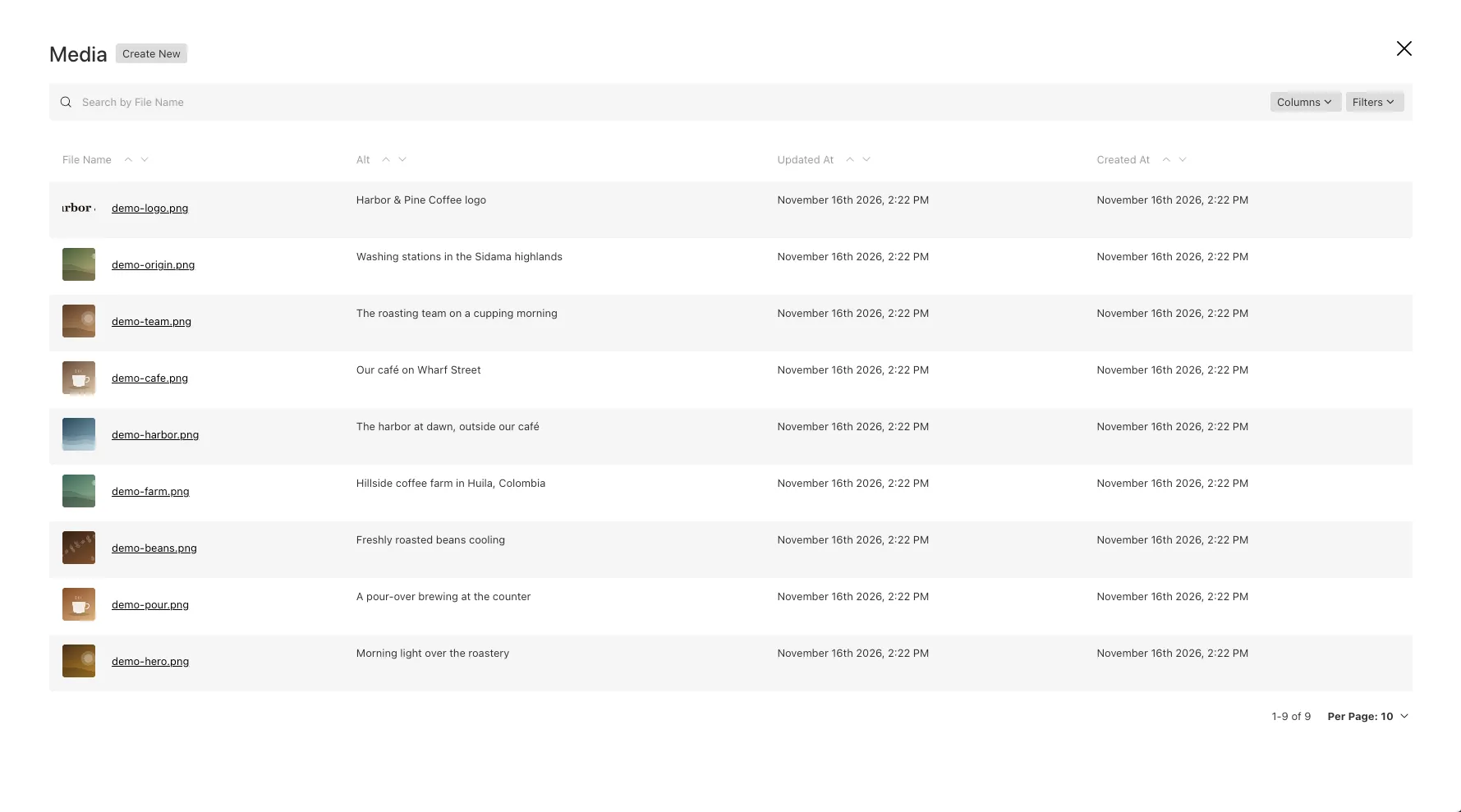
Media management
Keep your images and files together so they are easy to find and reuse across your website.
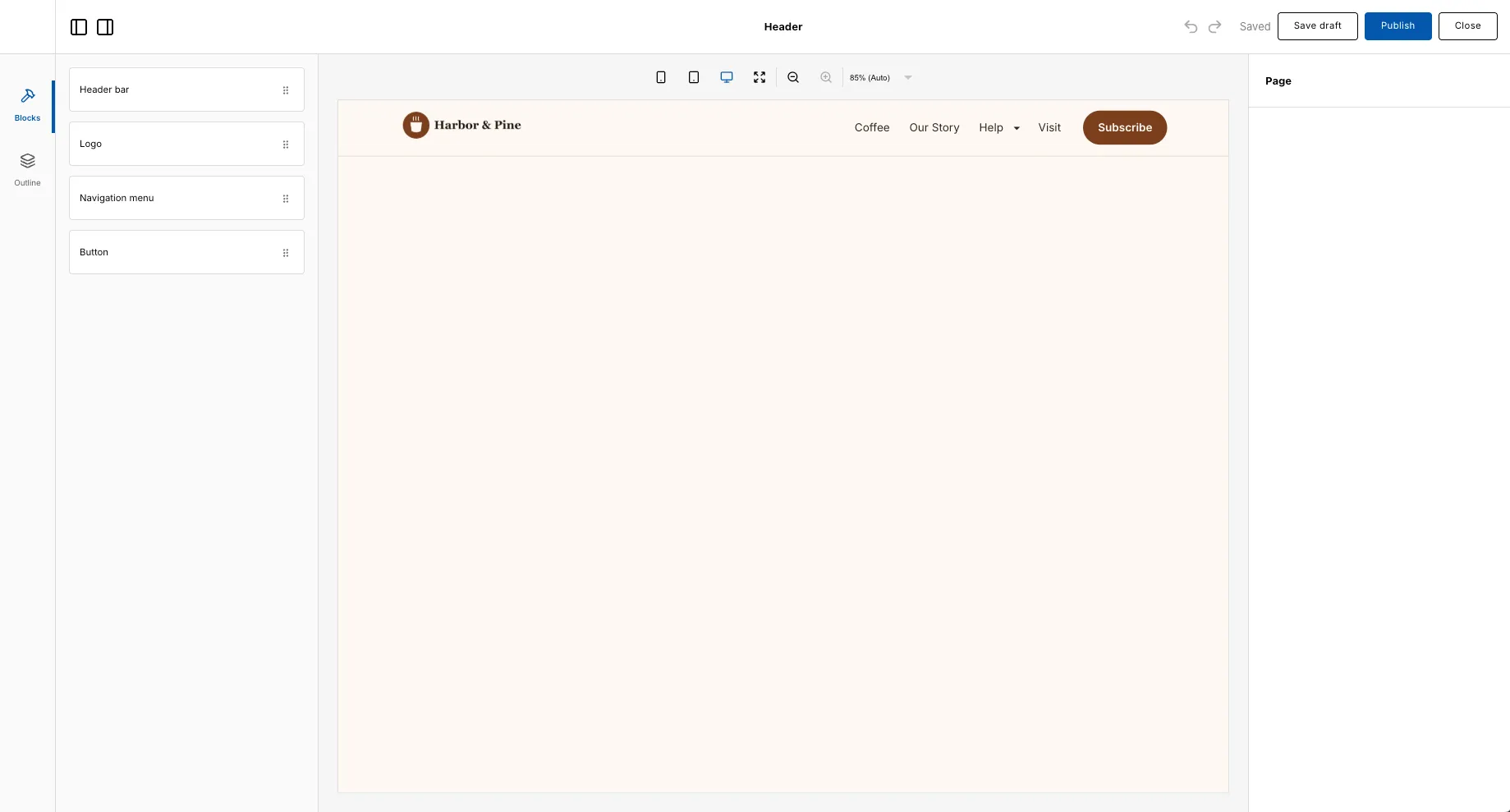
Website navigation
Update your logo, navigation menu and header button in the same visual editor you use for your pages, so your whole website stays consistent.
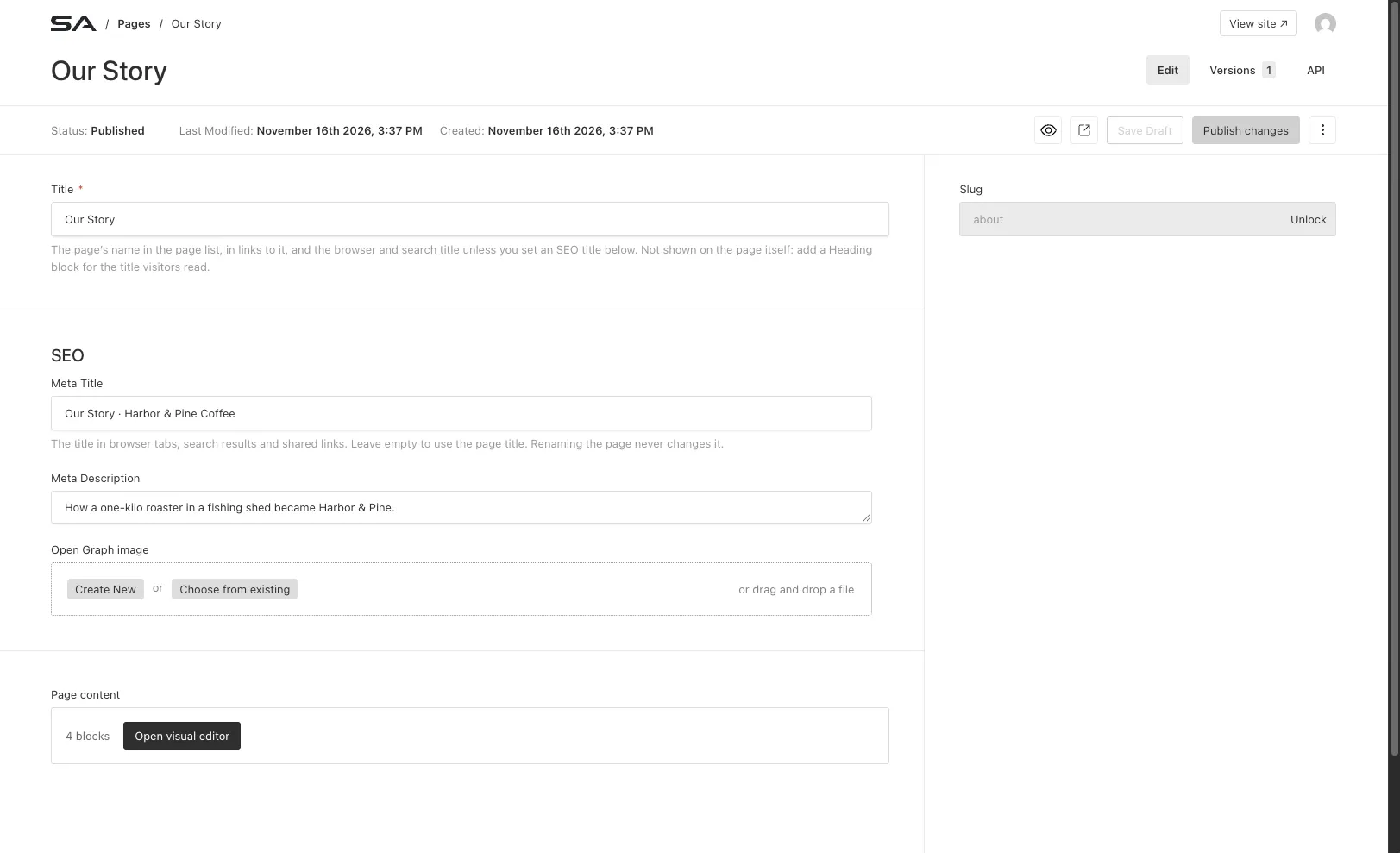
Search engine settings
Give every page its own search title, description and social sharing image, so your pages look right in search results and when people share them.
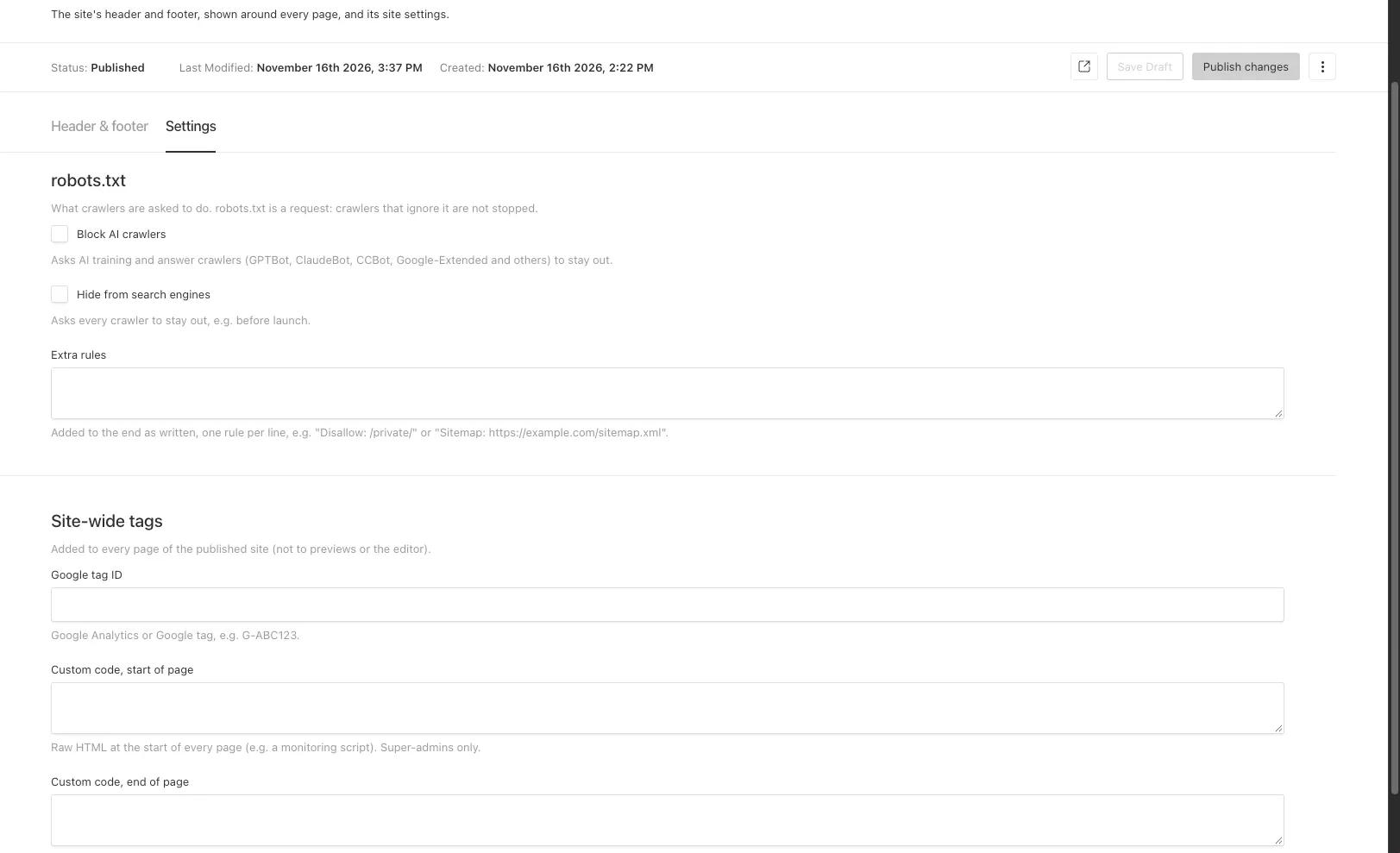
Site-wide settings
Choose whether search engines or AI crawlers are asked to stay away from your site, and add a Google tag for analytics, in one place that applies across every page.
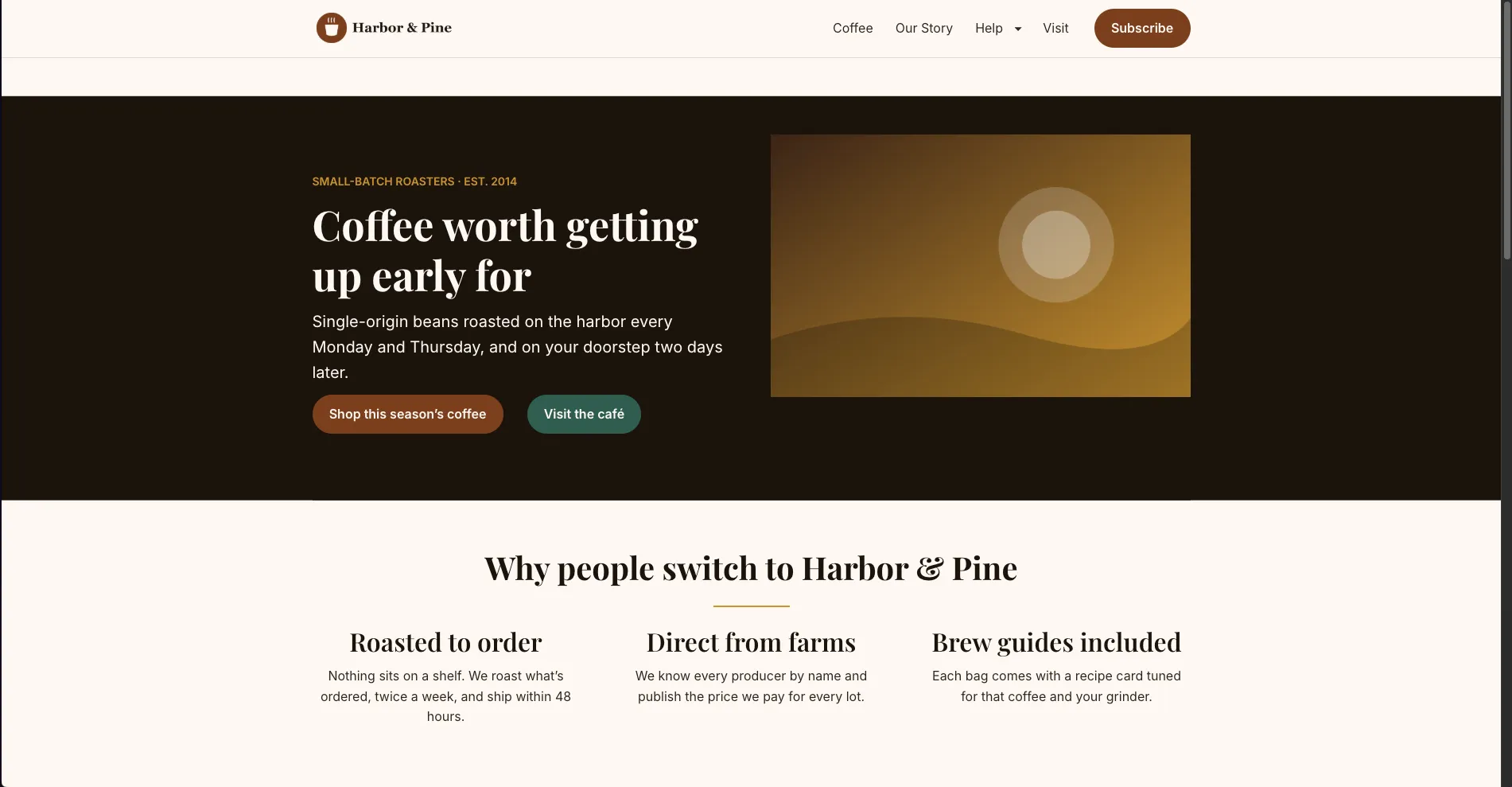
Publishing
Take your time editing, then publish your changes to bring your website up to date.
Managed hosting
Applied CMS is a managed platform: SA Applied sets up your website and hosts it for you, so you do not need to arrange servers or hosting yourself. Specific hosting and support terms are set out in your agreement.
See Applied CMS in action
Request a demonstration, or tell us about your website and what you would like to manage.